Ship
What went live, and the fix each change came from.
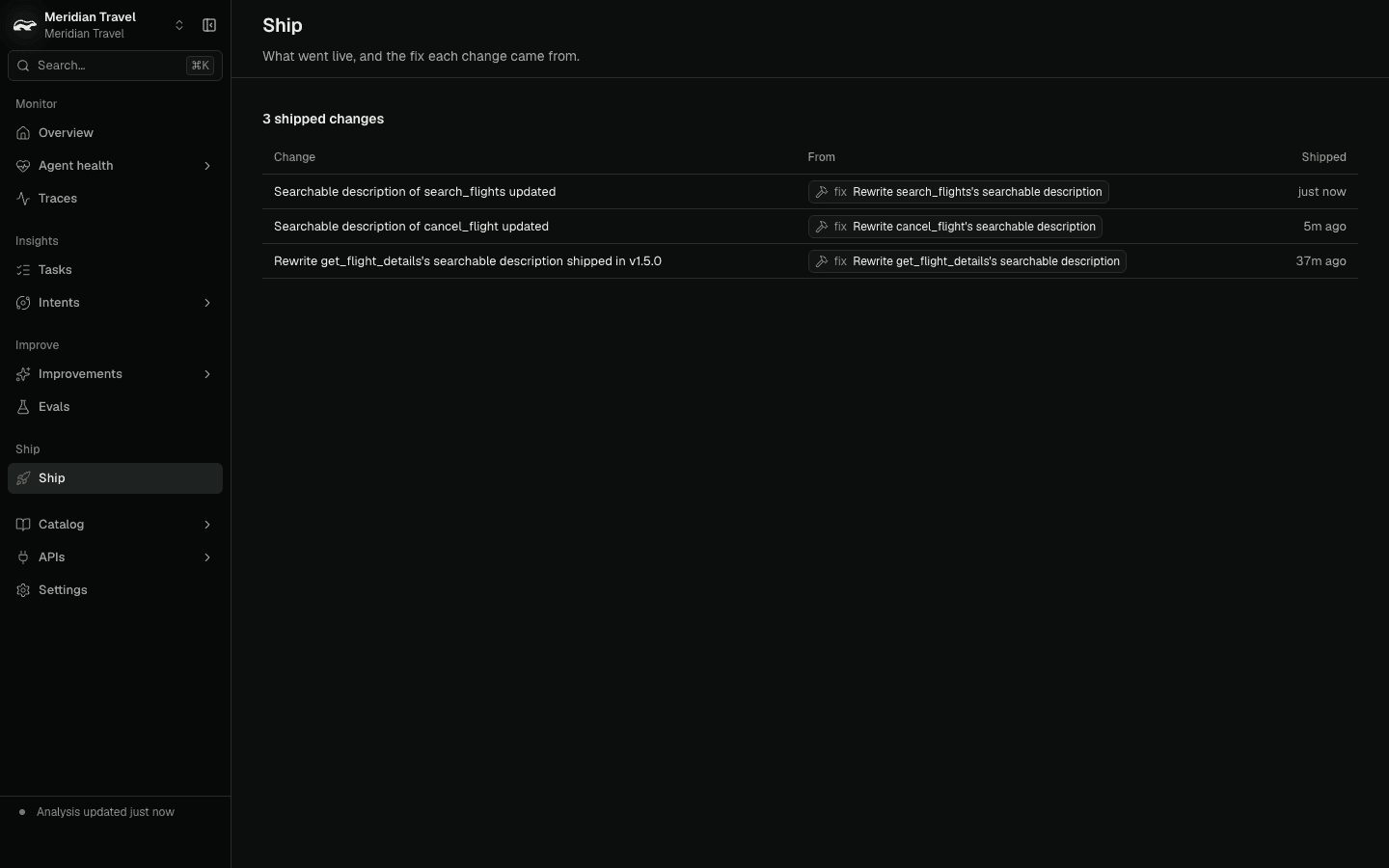
Ship answers: what did we change, when, and why?
Every fix you apply or mark as shipped shows up here, linked to the fix it came from. Open it from Ship › Ship.
How to read it
- Change. What went live, and in which version.
- From. The fix it came from. Click it to open the fix.
- Shipped. When.
Click a row to see its trail: the trace, the issue, the fix, its eval and the shipment, oldest first.
A change gets here two ways:
- You apply a description rewrite on Quality.
- You click Mark as shipped on a fix in Fixes. Ratel deploys nothing: you record the release that carries the change.
Measure it
PreviewThe eval gate is in preview and off by default. Ask your Ratel contact to turn it on for your organization.
With the eval gate on, a task with a shipped fix shows Live results for that version in its Score section. Each scorer has its Eval baseline, the Predicted after from the simulation, and the Live result on runs after the release.
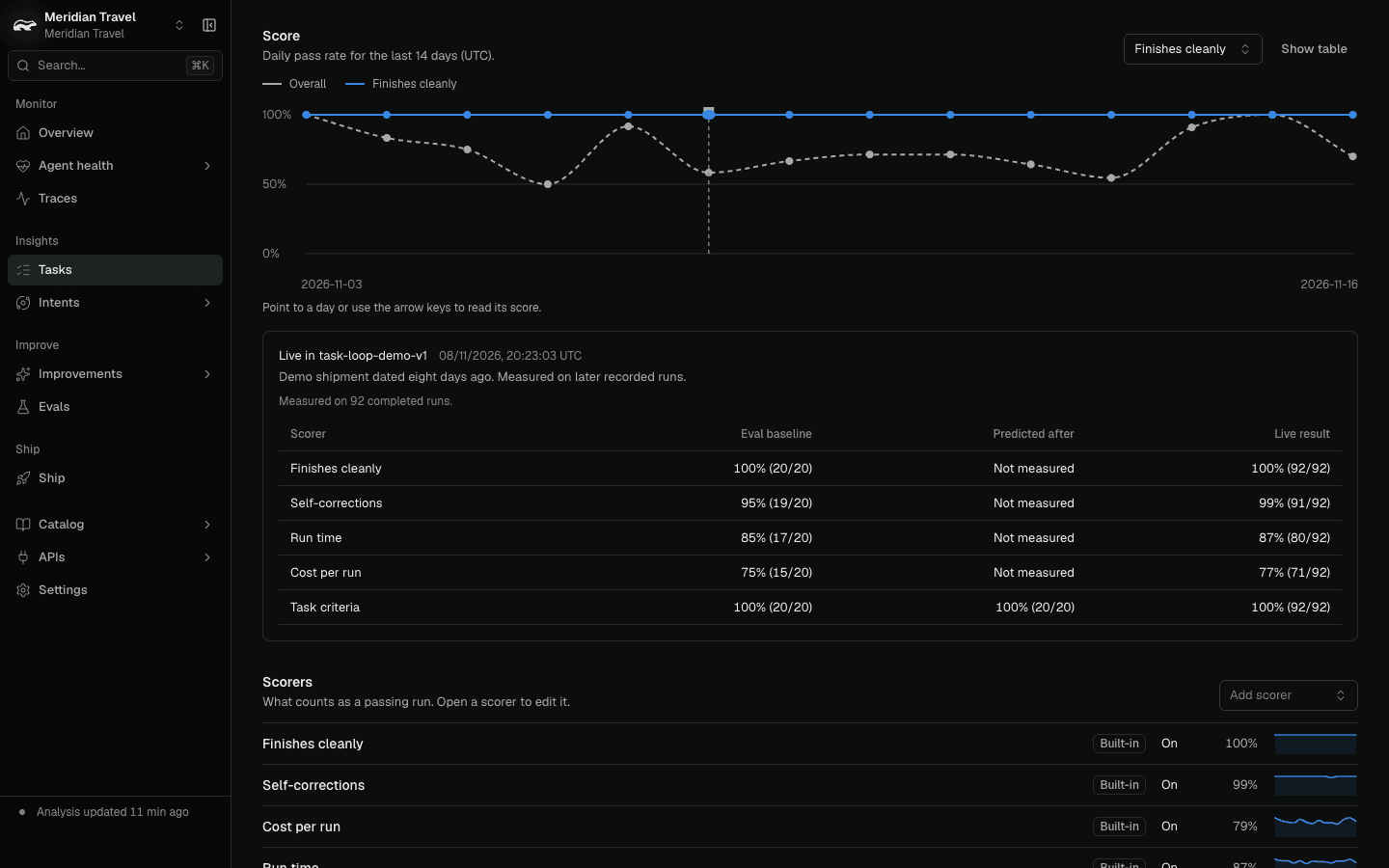
The live result waits for 20 completed runs or 7 days. The guide Ship a fix and measure it walks it end to end.
Over MCP
list_shipments: this page.get_lineage: the trail of one shipment.mark_fix_shipped: record a release.