Import past runs
Read history from Langfuse, LangSmith, PostHog, Braintrust or your own Postgres, so Agent health has data on day one.
Already trace your agent elsewhere? Import past runs and Agent health reads them right away. You do not wait for new traffic.
Sources
| Source | What you paste | What the Platform reads |
|---|---|---|
| Langfuse | Public key pk-lf-… and secret key sk-lf-… | Observations: tool calls, model calls and tokens, sessions, users |
| LangSmith | API key lsv2_… and the tracing project name | Runs: tool and retriever runs, LLM runs and tokens, threads |
| PostHog | Personal API key phx_… with Query Read, and the project id | $ai_trace, $ai_generation and $ai_span events |
| Braintrust | API key sk-… and the project name | Project logs: tool spans, LLM spans and tokens. Not scorers or experiments |
| Postgres | A read-only connection string and a query | The rows your query returns, up to 20,000 |
Each source also has a region (US or EU) or your own address. The Platform does not keep your keys. Delete them once the import ends.
Import
Open the importer
Open Monitor > Agent health and click Import past runs.
Pick a source and paste its keys
Follow the steps for your source. Pick the window: the last 7, 30 or 90 days, as your plan allows.
Is your source on a private network? The importer can give you a command to run on your own machine. Your keys stay there, and the Platform gets only the records.
Wait for the reading
The import runs in the background. Agent health refreshes when it lands.
Postgres query
Your query returns one row per tool call. It needs run_id, tool_name and started_at. The other columns make the reading richer.
select
  conversation_id  as run_id,
  tool             as tool_name,
  created_at       as started_at,
  finished_at      as ended_at,
  error_message    as error,
  session_id,
  user_id,
  user_message
from agent_tool_calls
Give the Platform a read-only role:
create role ratel_import login password '<a long random password>';
grant connect on database <your_db> to ratel_import;
grant usage on schema public to ratel_import;
grant select on agent_tool_calls to ratel_import;
The database must accept TLS connections from the internet, or use the command on your own machine.
No tool calls in the reading?
Agent health needs tool calls. If the imported runs show none, see Tool calls in imported runs.
Check it worked
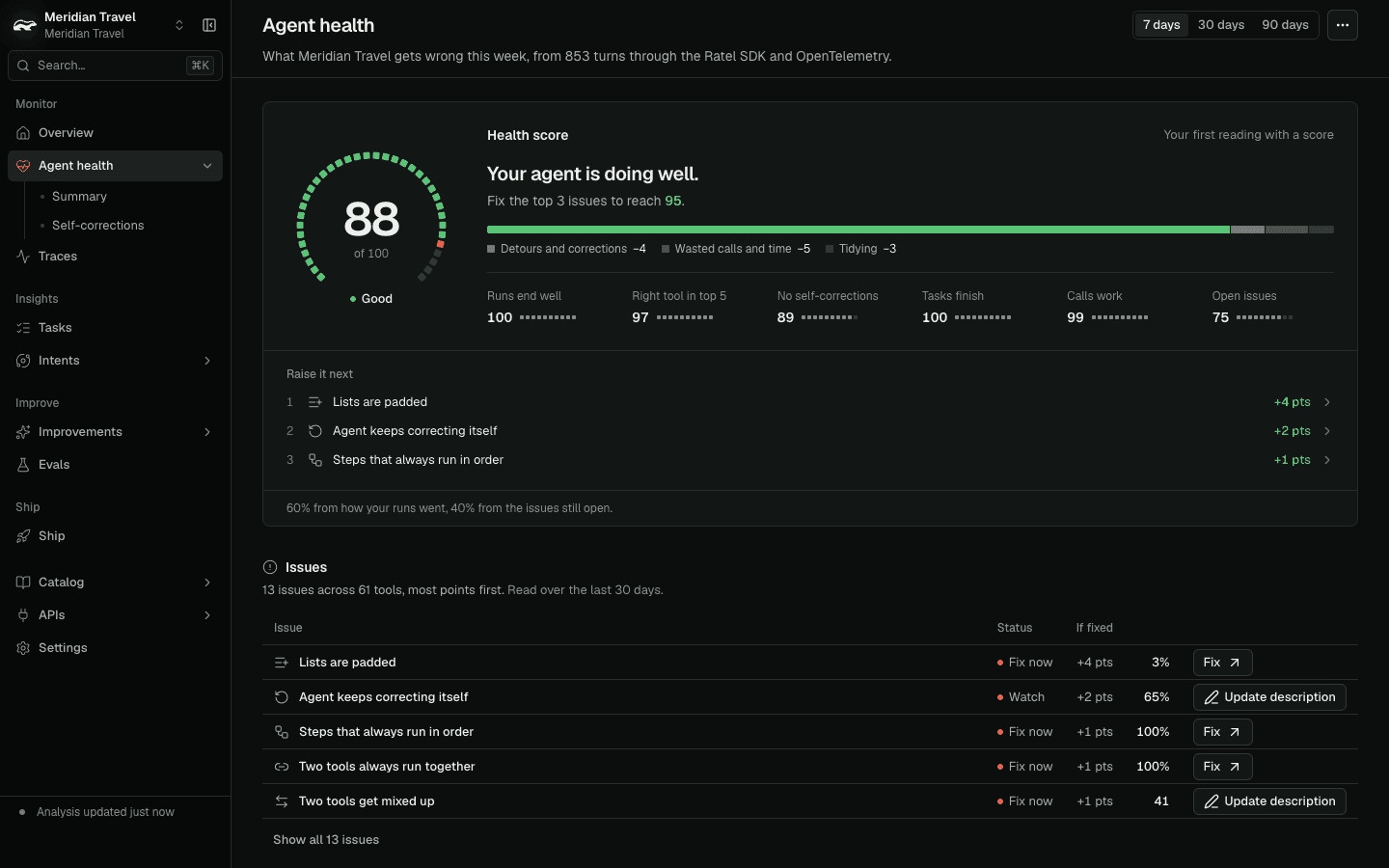
- The import shows under Agent health with its source and window.
- When it is done, Agent health shows the runs, the tools they called, and the signals it found.