Get startedSend data
OpenInference
Send spans from Arize OpenInference instrumentations to the Ratel Platform.
OpenInference instruments OpenAI, Anthropic, LangChain, LlamaIndex and more. Its spans are standard OTLP, so you only change where they go.
What you need
- A project API key, exported as
RATEL_API_KEY. See the Quickstart. - The OpenInference instrumentation for your framework.
Set it up
pip install opentelemetry-sdk opentelemetry-exporter-otlp-proto-http \
openinference-instrumentation-openaiimport os
from opentelemetry import trace
from opentelemetry.sdk.resources import Resource
from opentelemetry.sdk.trace import TracerProvider
from opentelemetry.sdk.trace.export import BatchSpanProcessor
from opentelemetry.exporter.otlp.proto.http.trace_exporter import OTLPSpanExporter
from openinference.instrumentation.openai import OpenAIInstrumentor
provider = TracerProvider(resource=Resource.create({"service.name": "my-agent"}))
provider.add_span_processor(
BatchSpanProcessor(
OTLPSpanExporter(
endpoint="https://cloud.ratel.sh/v1/traces",
headers={"Authorization": f"Bearer {os.environ['RATEL_API_KEY']}"},
)
)
)
trace.set_tracer_provider(provider)
OpenAIInstrumentor().instrument(tracer_provider=provider)Swap OpenAIInstrumentor for the one your framework needs, for example LangChainInstrumentor.
npm install @opentelemetry/sdk-node @opentelemetry/exporter-trace-otlp-proto \
@arizeai/openinference-instrumentation-openai openaiimport { NodeSDK } from "@opentelemetry/sdk-node";
import { OTLPTraceExporter } from "@opentelemetry/exporter-trace-otlp-proto";
import { OpenAIInstrumentation } from "@arizeai/openinference-instrumentation-openai";
import OpenAI from "openai";
const instrumentation = new OpenAIInstrumentation();
// ES modules load before the SDK can patch them, so patch OpenAI by hand.
instrumentation.manuallyInstrument(OpenAI);
export const sdk = new NodeSDK({
serviceName: "my-agent",
traceExporter: new OTLPTraceExporter({
url: "https://cloud.ratel.sh/v1/traces",
headers: { Authorization: `Bearer ${process.env.RATEL_API_KEY}` },
}),
instrumentations: [instrumentation],
});
sdk.start();Import it before your agent code. Call await sdk.shutdown() before a script exits, so the last spans are sent.
Already exporting to Arize Phoenix? Add a second BatchSpanProcessor for the Platform. Both receive every span.
What the Platform reads
| OpenInference attribute | Shows as |
|---|---|
openinference.span.kind = LLM | Model call |
llm.model_name, llm.token_count.prompt, llm.token_count.completion | Model, tokens and cost |
openinference.span.kind = TOOL, tool.name | Tool call |
session.id, user.id | Session and user |
input.value | The user's message on a model call, and the arguments on a tool call |
Check it worked
- Run your agent once.
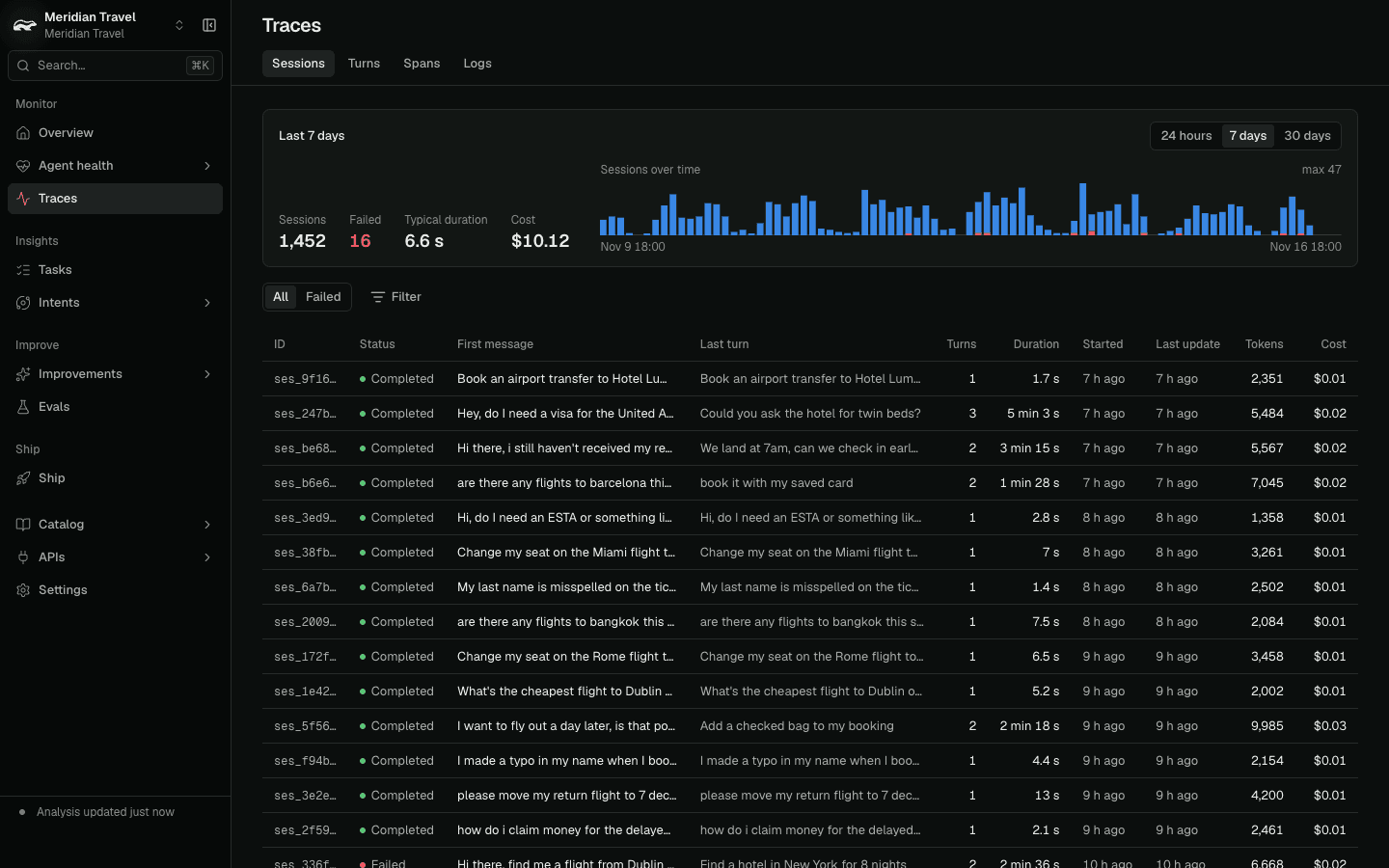
- In your project, open Monitor > Traces and pick the Spans tab. LLM spans show as model calls with tokens and cost. TOOL spans show as tool calls.