Get startedSend data
Vercel AI SDK
Send the AI SDK's OpenTelemetry spans to the Ratel Platform.
The AI SDK records each run and each model call as OpenTelemetry spans. You send them to the Platform with a standard exporter.
What you need
- A project API key, exported as
RATEL_API_KEY. See the Quickstart. - AI SDK 7 and a provider, for example
@ai-sdk/openai. On AI SDK 5 or 6, see Older AI SDK versions.
Set it up
Install the packages
npm install ai @ai-sdk/otel @opentelemetry/sdk-node @opentelemetry/exporter-trace-otlp-protoStart OpenTelemetry and register the integration
import { NodeSDK } from "@opentelemetry/sdk-node";
import { OTLPTraceExporter } from "@opentelemetry/exporter-trace-otlp-proto";
import { OpenTelemetry } from "@ai-sdk/otel";
import { registerTelemetry } from "ai";

export const sdk = new NodeSDK({
  serviceName: "my-agent",
  traceExporter: new OTLPTraceExporter({
    url: "https://cloud.ratel.sh/v1/traces",
    headers: { Authorization: `Bearer ${process.env.RATEL_API_KEY}` },
  }),
});
sdk.start();
registerTelemetry(new OpenTelemetry());
On Next.js, put the same setup in instrumentation.ts.
Call the model
Telemetry is on for every call once the integration is registered.
import { sdk } from "./otel.mjs";
import { generateText } from "ai";
import { openai } from "@ai-sdk/openai";

const { text } = await generateText({
  model: openai("gpt-4o"),
  prompt: "Summarize the open tasks",
  experimental_telemetry: { functionId: "summarize-tasks" },
});

await sdk.shutdown(); // flush before exit
The AI SDK records prompts and responses by default. Set recordInputs: false and recordOutputs: false in experimental_telemetry to keep content out.
What the Platform reads
| AI SDK span | Shows as |
|---|---|
invoke_agent <model> | The run |
chat <model> | Model call, with model, tokens and cost |
Older AI SDK versions
AI SDK 5 and 6 have no @ai-sdk/otel. Skip the integration and pass experimental_telemetry: { isEnabled: true } on each call. The Platform reads those ai.* spans too: ai.generateText.doGenerate and ai.streamText.doStream as model calls, and ai.toolCall as tool calls.
Check it worked
- Run
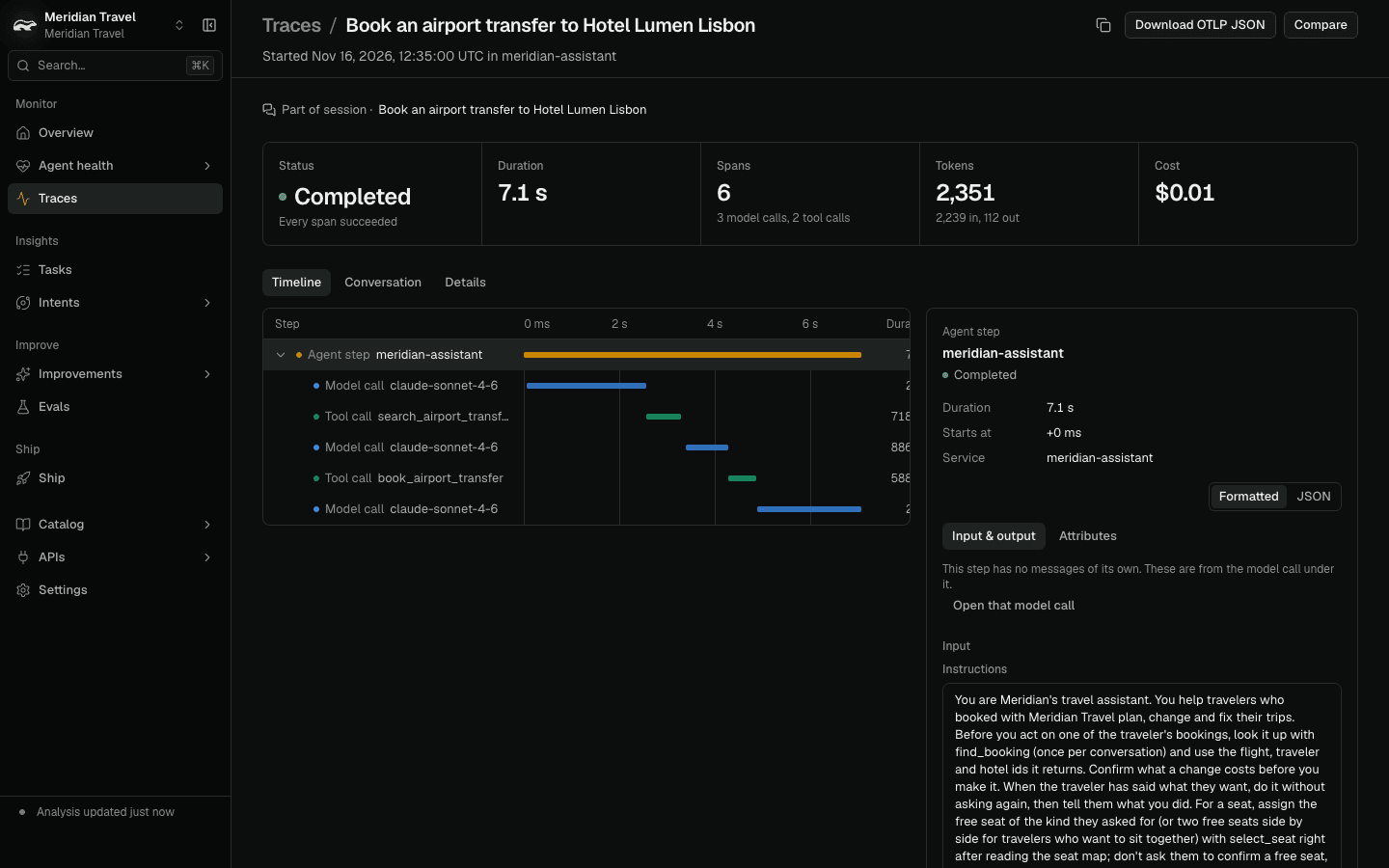
node agent.mjs. - In your project, open Monitor > Traces. The Spans tab lists each
chatspan as a model call, with its tokens and cost.