Project settings
A project's name, content reading, API keys, SDK events and deletion.
Each project has its own settings. Open them from Settings at the bottom of the project sidebar. Four tabs: General, API keys, Developer and Danger zone.
General
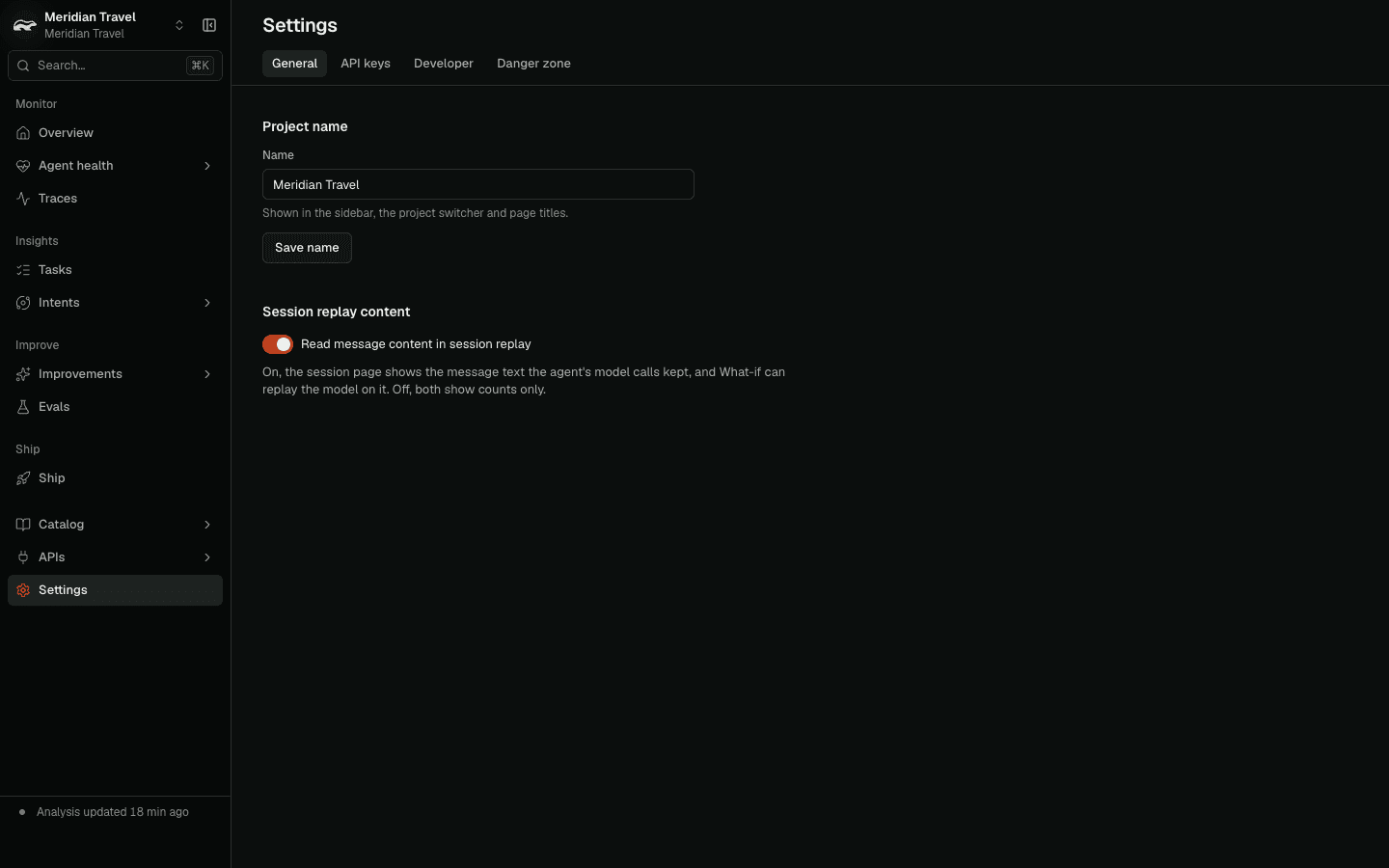
- Project name. Shown in the sidebar, the project switcher and page titles. Change it, then click Save name.
- Session replay content. The switch Read message content in session replay. On, a session shows the message text your agent's model calls kept. Off, it shows counts only, and What if… re-ranks without the model. Only organization admins can change it. See Session replay.
- Model pricing. The rates used to price your agent's model calls in Cost columns.
Content reading also decides what API keys with the content:read scope can read over MCP. See Data and privacy.
API keys
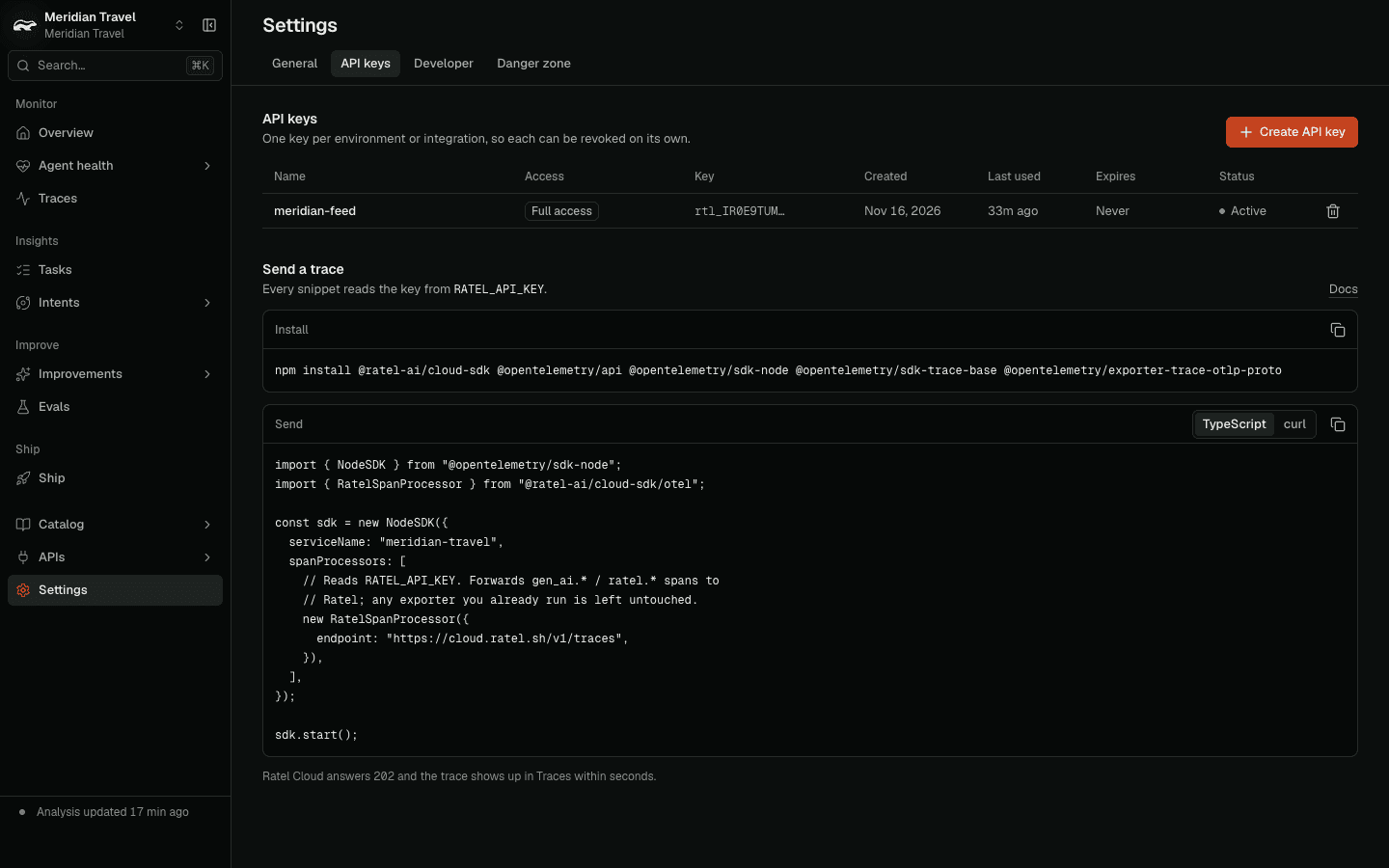
Create one key per environment or integration, so each can be revoked on its own.
- Click Create API key.
- Name it and pick its access: Full access, Read-only, Ingest only or Custom.
- Copy the key. It is shown once.
The table shows each key's Access, its first characters, Last used, Expires and Status. The bin icon revokes a key at once. Send a trace under the table gives a snippet that reads the key from RATEL_API_KEY.
See Authentication for scopes.
Developer
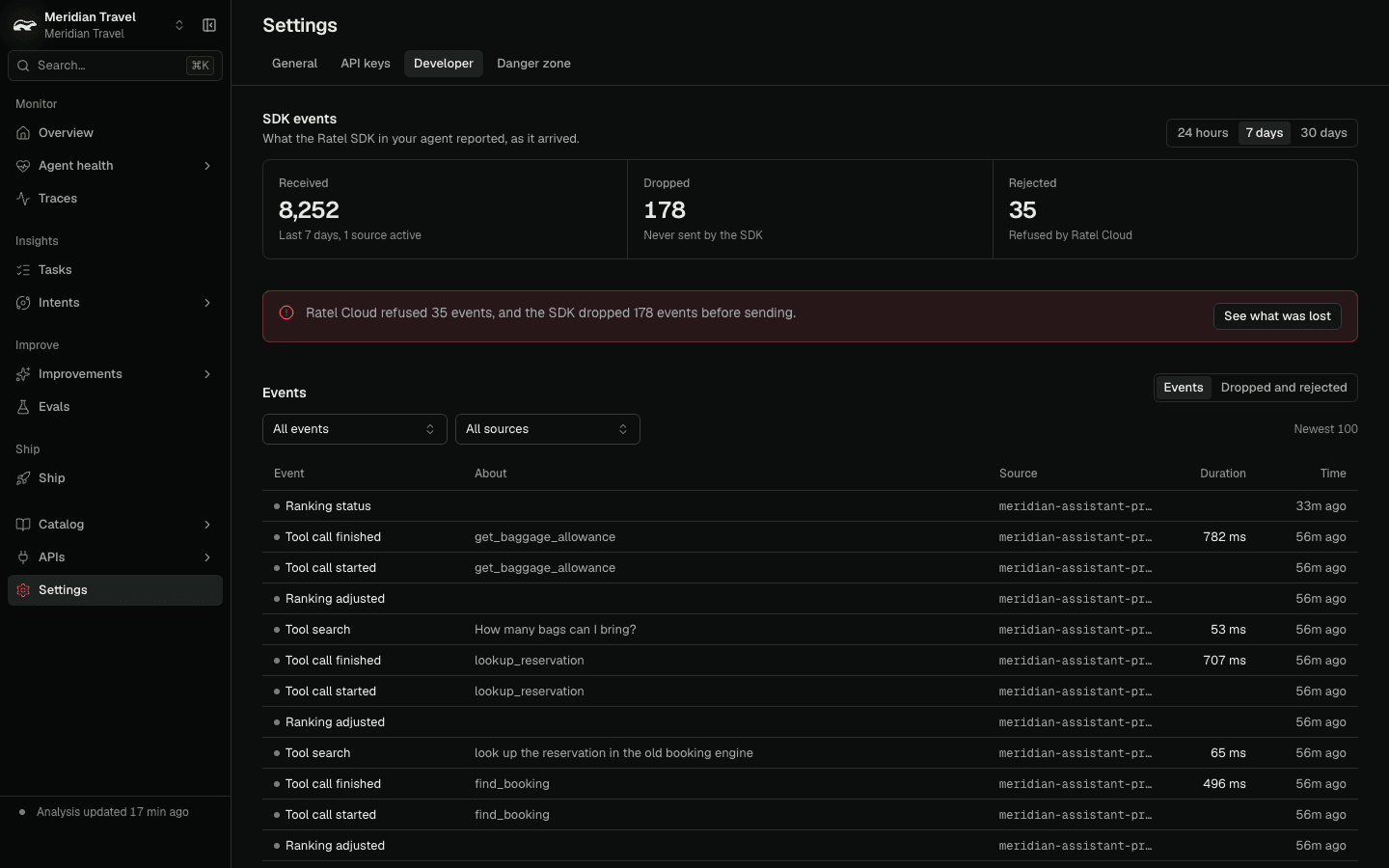
SDK events shows what the Ratel SDK in your agent reported, as it arrived.
- Received. Events that arrived.
- Dropped. Events the SDK dropped before sending them.
- Rejected. Events the Platform refused.
See what was lost, or the Dropped and rejected view, lists each lost event and why. Use it when data seems to be missing. See Troubleshooting.
Danger zone
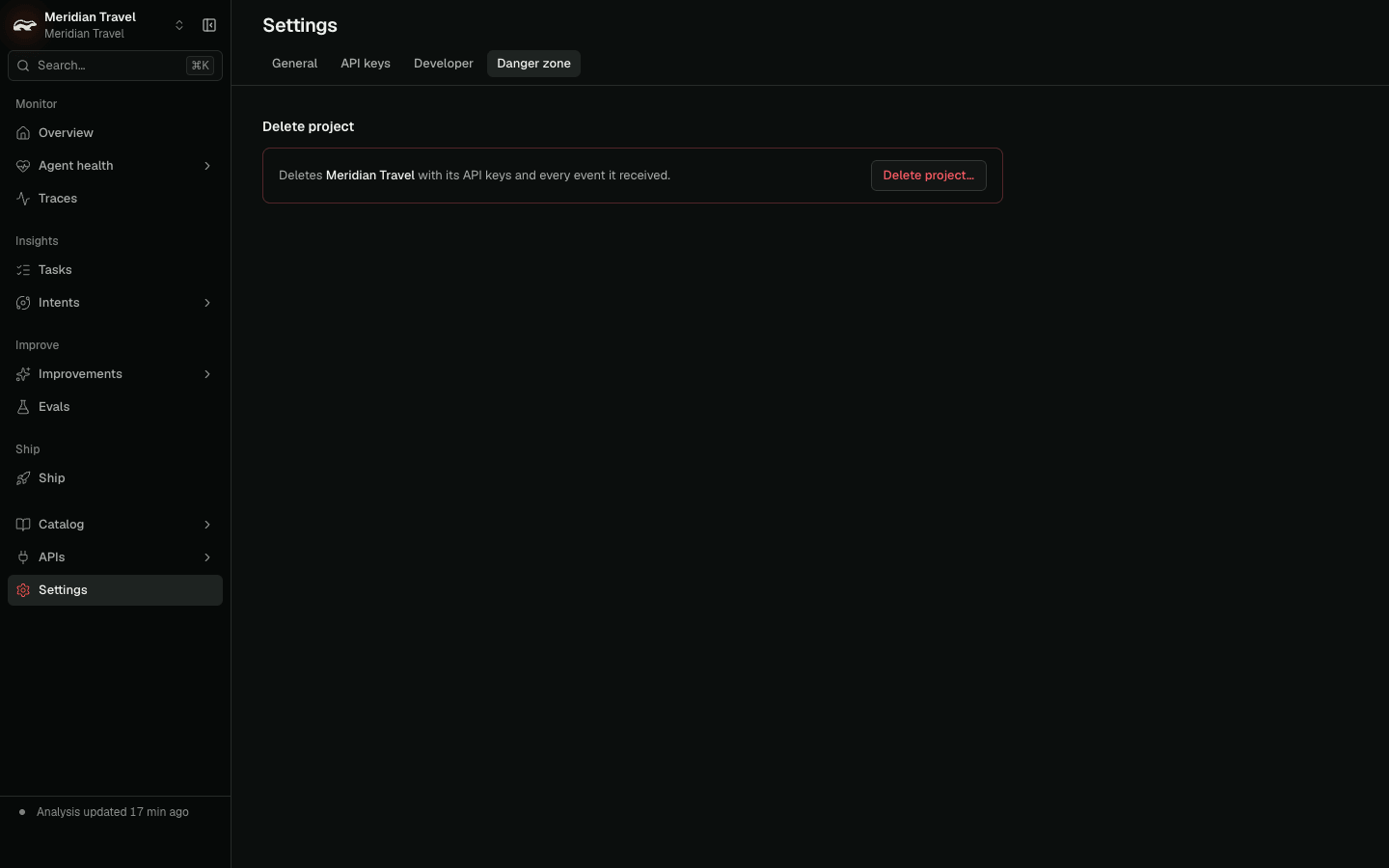
Delete project… deletes the project, its keys and all its data. Type the project name to confirm. It cannot be undone.
Over MCP
list_api_keys: the keys, without their values.list_sdk_eventsandget_sdk_event: the Developer tab.get_sdk_setup: what the SDK reports about its setup.
Key creation and revocation, renaming, content reading and deletion are not available over MCP.