Organization
Projects and members of your organization, and the roles they hold.
An organization holds your projects, your members and one plan. Open it from the organization switcher at the top of the sidebar. Its sidebar has Projects, Members, Billing, Integrations and Settings.
Projects
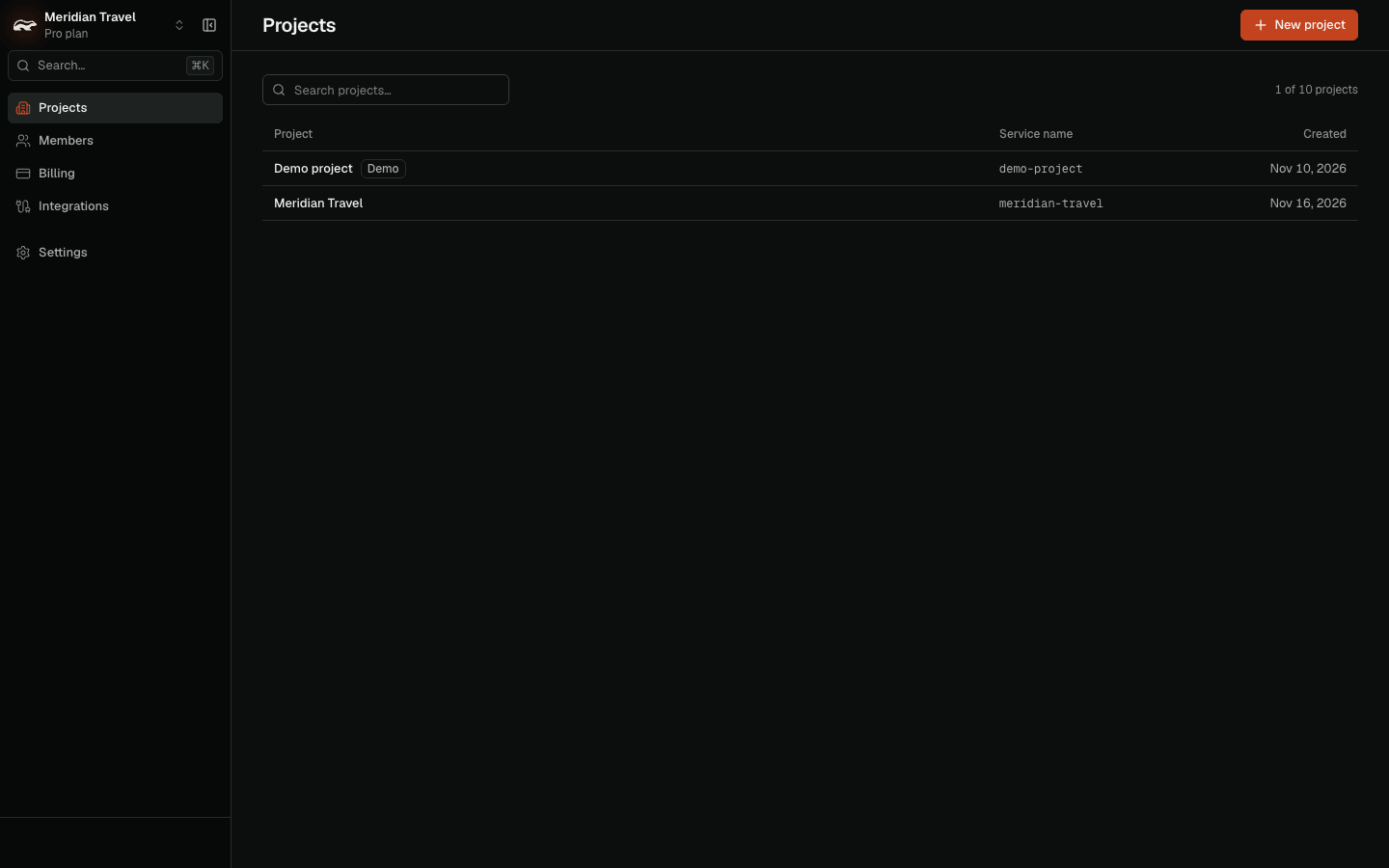
One project per agent, or per environment of an agent. The table shows each Project, its Service name and when it was Created.
New project creates one and shows its first API key. At your plan's limit the page says You're at your plan's project limit. See Plans and limits.
Members
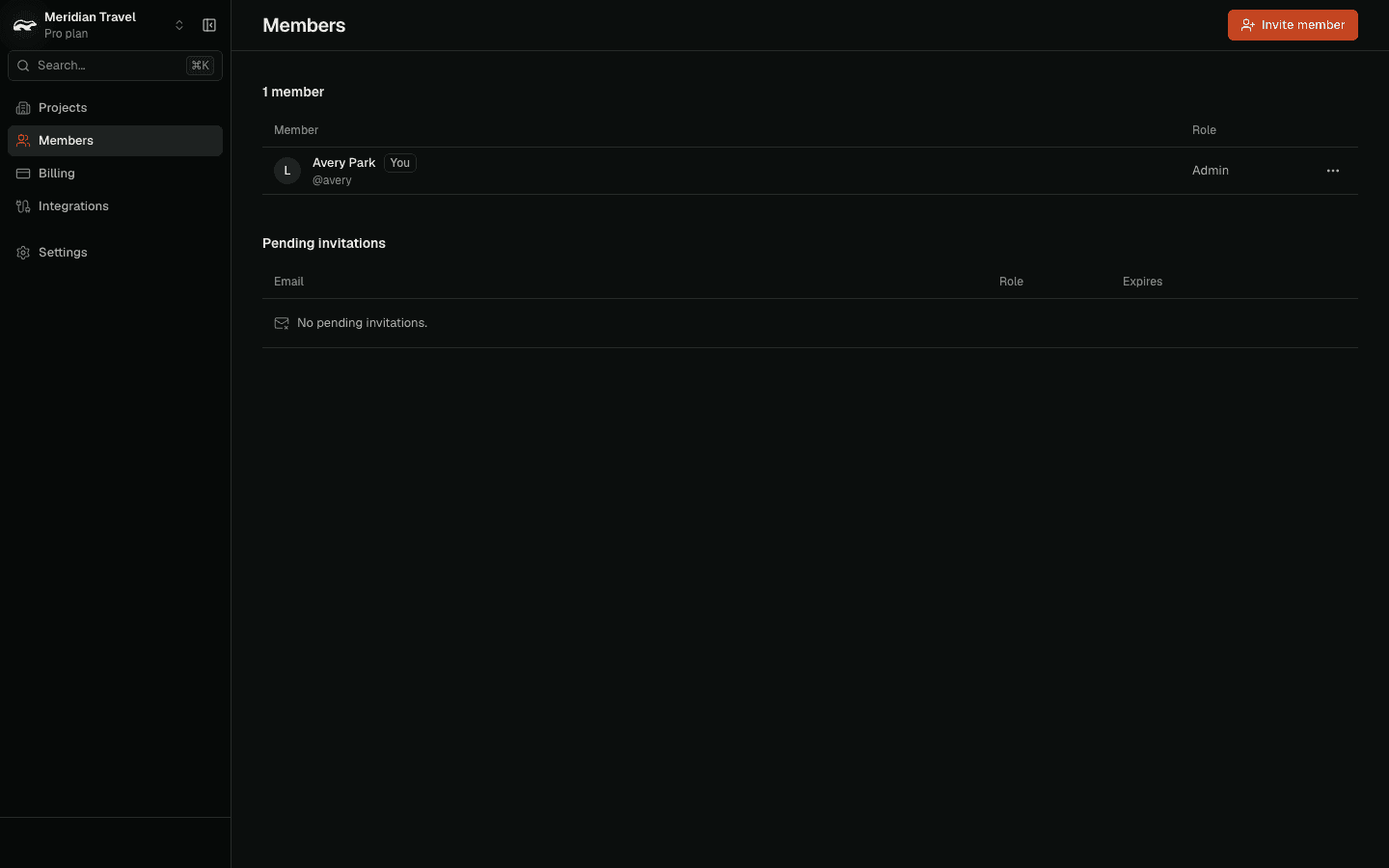
Every member reaches every project of the organization. There are two roles:
| Role | Can |
|---|---|
| Admin | Everything a member can, plus members and billing. |
| Member | Uses every project, its keys and dashboards. |
To invite someone:
- Click Invite member.
- Enter their Email and pick a Role.
- Click Send invitation.
Pending invitations lists the invitations not accepted yet, with their Expires date. Revoke cancels one. On a member's row, Make admin, Make member and Remove from organization… change their access.
Some actions need an admin: inviting and removing members, billing, the Session replay content switch and share links.
Integrations
Integrations connects Claude, Cursor or any MCP client to every project of the organization. See MCP server.
Over MCP
whoamiandlist_projects: who you are and which projects you reach.
Member management and organization deletion are not available over MCP.